
PsyTables Vol. 4 - 358 Psytrance Wavetables for Serum, Vital, Phase Plant & More
€15
Buy now — €15Dedicated Wavetables for Psytrance & Sound Design
PsyTables Vol. 4 is a dedicated psytrance wavetable pack developed for electronic music production and advanced sound design.
Watch & Listen Before You Buy
Watch the video walkthrough to hear the waveforms in action:
What's Included
358 Custom Wavetables
This collection contains 358 wavetables for psytrance. The library covers a diverse range of waveform categories, including:
- Single Cycle Waveform FMs
- Additive
- Experimental
- Filter
- Formant
- Various sweeps
Compatibility
Software Synths
Fully compatible with all major wavetable synths, including:
- Xfer Serum
- Vital Audio
- Arturia Pigments
- Kilohearts Phase Plant
- UVI Falcon
- u-he Hive 2
- Ableton’s Wavetable plugin
- Any synthesizer supporting 2048-sample WAV wavetables
Hardware
Works with hardware wavetable modules, including the Ziqal DIMENSION mk3.
Technical Specifications
- Format: WAV
- Bit Depth: 16-bit
- Frame Size: 2048 samples
- Total Wavetables: 358
Recommended Usage
To my ears, you'll get the best results by playing low octaves between C0 and C1, but at the end of the day, you use them as you like, music has no rules!
Licensing
You are free to use these wavetables in your own commercial preset packs. The only requirement is that you include a link to my Gumroad page in your product description or ReadMe file as credit.
FAQ
good to knowWill these work with stock DAW synthesizers?
Yes. As long as your synthesizer supports importing standard WAV wavetables (2048 samples per frame), the files will load and work as expected. This includes stock synthesizers such as Ableton Wavetable and many other compatible instruments.
Can these wavetables be used for genres other than Psytrance?
Absolutely. While they were designed for psytrance, they're equally useful for techno, industrial, cinematic sci-fi sound design, experimental electronic music, and any genre that benefits from complex sound design.
How do I load these into Xfer Serum or Vital?
You import the wavetables into by dragging and dropping the WAV files directly into the oscillator window of Serum, Vital, Pigments, or another compatible wavetable synthesizer. Alternatively, copy the files into your synthesizer's wavetable folder and restart your DAW or plugin if needed.
More Packs
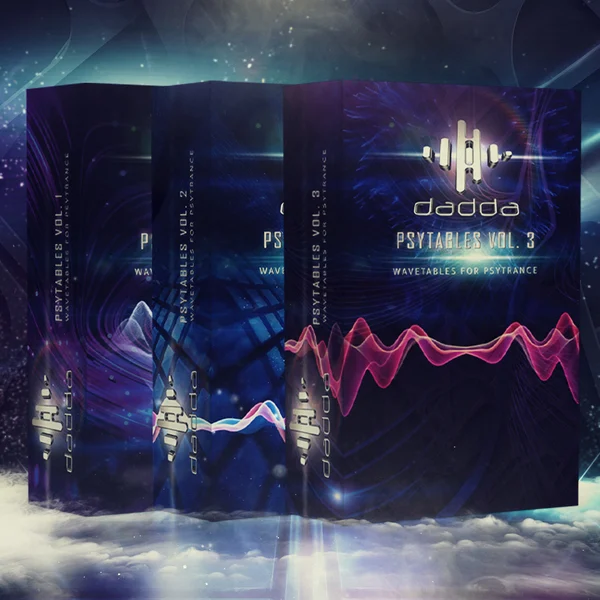
[PsyTables Vol. 1, 2 and 3 By Dadda] Bundle
The PsyTables Bundle is a complete sound design toolkit combining three full PsyTables volumes into one…
Get the bundle →
PsyTables by Dadda
PsyTables Vol. 1 is a collection of 122 custom-made wavetables designed specifically for psytrance producers…
View pack →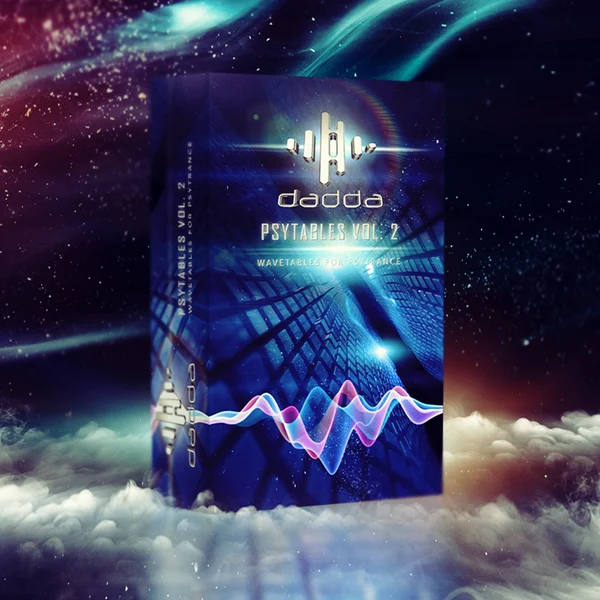
PsyTables Vol. 2 by Dadda
PsyTables Vol. 2 is a collection of 205 custom-made wavetables designed for advanced psytrance production,…
View pack →